


Apple Watch Hacks: Fitness by Day, Miami Nightlife by Design
Updated: Jan 12
The Apple Watch has transcended its origins as a simple timepiece. It’s now your pocket-sized concierge, your pulse-checking personal trainer, your nightlife wingman, and your fashion-forward signature—all wrapped around your wrist. Whether you're crushing it in the gym, moving through meetings like a well-oiled machine, or hitting the town in Brickell after dark, the Apple Watch doesn’t just keep up—it anticipates your next move.
And there’s no better proving ground than Miami. This city demands flexibility—from sunrise runs along the bay to rooftop cocktails that bleed into sunrise again. With a quick band switch and a flick of the wrist, your Apple Watch seamlessly transitions from beast mode to bottle service.
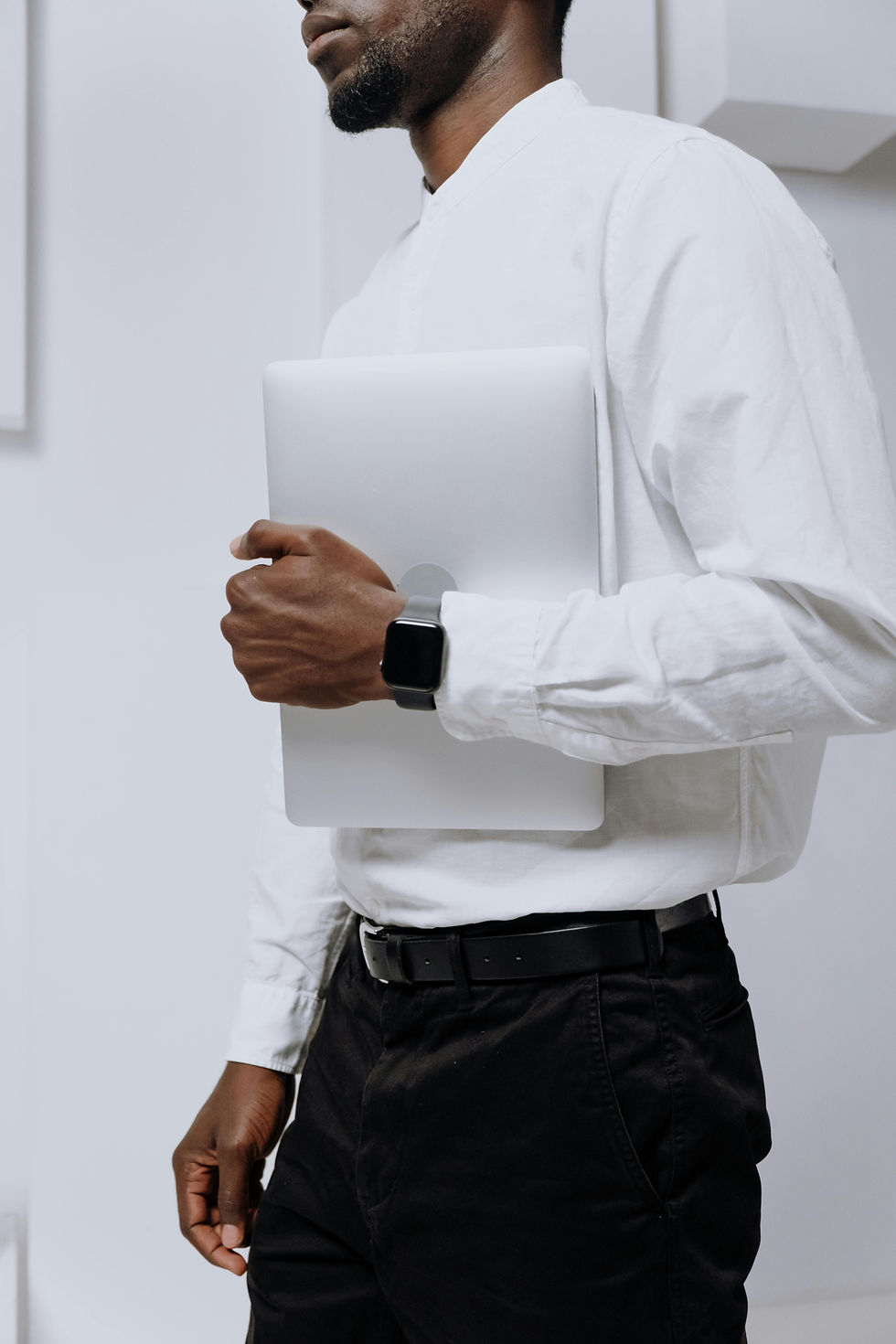
Image by Cottonbro Studio / Pexels
Mastering Your Fitness Routine with Smart Tracking
Your Apple Watch is a treasure trove of performance insights waiting to be tapped. Think of it less as a pedometer and more as your private performance lab, available 24/7.
Precision Workout Modes for Maximum Results
Generic workouts? Not your style. Create multi-activity sessions that mimic real training—perfect for when you pivot from kettlebell circuits to sprint intervals on the sand. Thanks to watchOS’s recent updates, you’re now able to track heart rate zones with surgical precision and even count reps automatically, saving your focus for form and breathing.
Precision Start ensures your stats are pristine from rep one. Add haptic cues, and you’ll know exactly when to switch pace or take a breather, no glances necessary. It’s like having a personal coach whispering in your ear—but way less sweaty.
Health Metrics That Help You Recover Smarter
Recovery isn’t downtime—it’s strategic maintenance. By keeping tabs on your HRV and resting heart rate, your Watch signals when to push and when to hit pause. These numbers speak volumes before fatigue drags you down.
Layer in the temperature sensor and sleep metrics, and you’re not guessing anymore—you’re calculating. Hydration nudges are a lifesaver under that relentless Miami sun. If performance is a puzzle, your Apple Watch hands you the missing pieces.
Seamless Integration with Fitness Apps
The best coaches now live on your wrist. Strava’s real-time segments, Fitbod’s smart recovery programming, and Apple Fitness+’s guided classes all sync fluidly. Toss in TrainingPeaks for precision periodization, and you’ve got a training HQ that never takes a day off.
Tired of hunting for apps before sunrise workouts? Siri Shortcuts can fire up your entire routine with a single command. Sync it all with your calendar and watch your productivity soar.
Top Fitness Tracking Hacks for Your Apple Watch
Customize your Activity Rings weekly to reflect seasonal training shifts or recovery blocks.
Enable handwashing detection—not just hygienic, but great for hot-weather gym sessions.
Use Backtrack when you’re venturing into nature or Miami’s less-familiar art trails.
Activate Fitness Focus Mode to shut out distractions and hone in on performance.
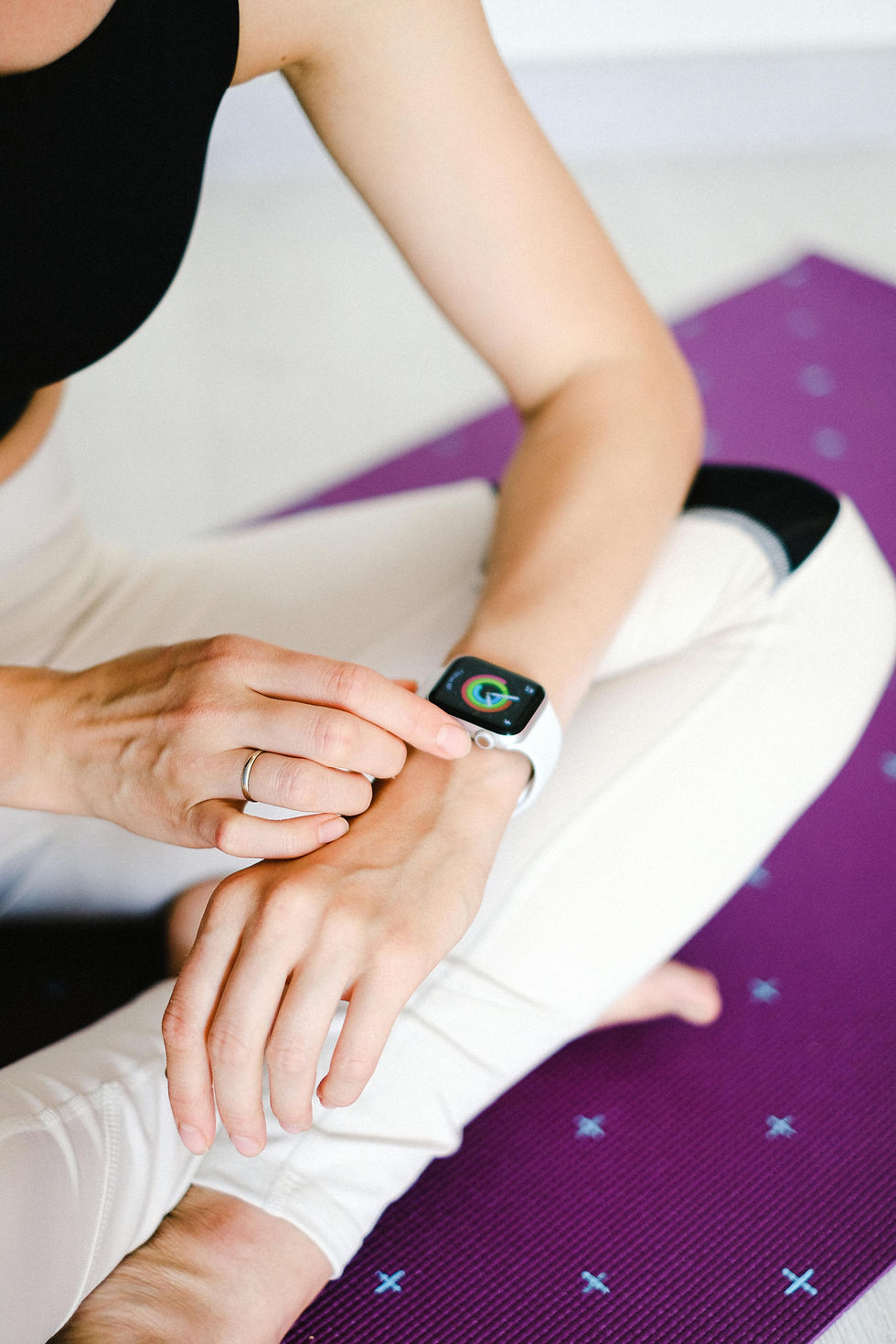
Image by Anna Shvets / Pexels
Syncing Your Style with Your Day and Night Aesthetic
Why choose between functionality and fashion when your Apple Watch can flex with both? In Miami, your outfit should work as hard as you do.
Daytime Bands Built for Performance
Think breathable, lightweight, and waterproof. The sporty bands from Solace Bands are built for movement and durability. Perfect for shadowboxing at Elev8tion or melting into a vinyasa flow under the South Beach sun.
Pair band colors with your sneakers, or theme them by the day’s mood.
Modular watch faces let you slap weather, AQI, or even UV exposure data front and center. You’re not just working out—you’re curating an experience.
Nighttime Looks that Exude Sophistication
When the sun goes down, swap silicone for steel or leather. The Milanese Loop and Leather Link scream suave, while boutique third-party bands give you a unique edge. Your Apple Watch becomes less wearable tech and more wrist candy.
Complications aren’t just widgets—they’re social armor. Waypoints for rooftop lounges, tap-to-play club mixes, or Shazam at a silent disco? One flick and you’re ahead of the curve. Because in Miami, it pays to be smooth.
Custom Faces that Match the Moment
Face customization is your secret weapon. The Infograph layout offers a command center for rideshares, sunset time, event calendars, and more—all at a glance. Whether it’s salsa in Little Havana or an EDM boat party, you’re covered.
Portrait mode adds depth to personal photos, letting your personality peek through the tech. Before you grab your keys and head to LIV, switch to a face that cues Uber, silences notifications, and sets your playlist on shuffle. Intentional elegance, at your fingertips.

Image by Cottobro Studio / Pexels
Optimizing Battery Life for All-Day Action
Between beach workouts and bar crawls, your watch shouldn’t tap out before you do. Battery management is the quiet MVP in your Apple Watch arsenal.
Power Management While Training
Low Power Mode is your lifeline on marathon days. Keep GPS and heart rate data flowing without bleeding battery dry. Brightness and haptics tweaks are your early-game defense.
No need for the always-on display during indoor workouts. Airplane Mode trims the fat from unnecessary pings. Tiny changes, big gains in longevity.
Night Mode Essentials
Switch on Night Mode for that elegant, eye-friendly glow. Theater Mode kills accidental wrist activations during shows or dinner, letting you stay discreetly connected. Focus Modes act like velvet ropes, letting only essential alerts through.
Background refresh? Only allow what serves your evening. Music, messages, maps—ditch the rest. Set app permissions like a bouncer at the velvet rope.
Smart Charging Habits
Treat your charger like a pit crew. Sneak in juice during breakfast, emails, or quick showers. A 15-minute top-up can go a long way, especially with fast-charging USB-C hubs.
Use widgets to keep tabs on your battery like a stock ticker. Set Siri reminders if you’re prone to forgetting. Keep it between 30%–80%, and your battery will thank you in the long haul.
Using Location and Connectivity Features Like a Local
Navigating Miami with your Watch? Now you’re playing chess while others play checkers. It’s your silent assistant for everything from beach meetups to bar hops.
Apple Maps and Google Maps offer seamless wrist navigation. Walking to Wynwood Walls or dodging gridlock downtown? Raise-to-Speak Siri has your back.
Geo-sharing via Find My ensures your crew never loses track—vital for sprawling venues like Ultra. Set geo-alerts and waypoints so you’re always one step ahead, not one step lost.
Stay Connected Without Your Phone
With LTE, leave your phone at home and still run the show. Take calls, stream music, and text while paddleboarding or dancing under the stars. Focus Modes keep your attention where it belongs.
Apple Pay becomes your cover charge, your tip jar, your late-night taco fund. A flick of the wrist and you’re paid, hydrated, and still hands-free.
Safety Tools for Peace of Mind
Miami nights can get wild—your Watch’s safety features are the insurance policy you never knew you needed. SOS, Fall Detection, and Crash Detection spring into action when things go sideways.
Set up Medical ID to display vital info at a glance. Whether you’re solo or with friends, it’s like walking around with your own emergency response team.
Smart Watch Safety Tips for Urban Nights
Don’t just enable Fall Detection—test it and know how it works.
Choose emergency contacts who are local and quick to respond.
Configure your Watch face with subtle ID cues for quick access.
Practice the Emergency SOS gesture so you’re ready in a pinch.
Unlocking the Best Apps for Miami’s Lifestyle
App fatigue is real, but with the right picks, your Watch becomes a powerhouse for movement and fun.
Fitness and Wellness Favorites
Gentler Streak calibrates your effort to recovery balance. Zones gives your heart rate data the glow-up it deserves. Heading to the water? MySwimPro gives your strokes purpose.
Streaks is the silent motivator that builds real consistency. Whether it’s post-workout hydration or daily mobility, those micro-habits add up.
Nightlife and Social Essentials
Night Sky turns stargazing into a party trick. Yelp and OpenTable help lock down hot spots on the fly. Eventbrite and Dice give your wrist instant entry. Add iTranslate to bridge those multilingual rooftop convos.
Travel and On-the-Go Utilities
Locale auto-adjusts faces based on weather—a godsend in storm-prone seasons. Citymapper nails transit shifts better than most locals. Uber integration plus Widgetsmith’s countdown timers keep your night running like clockwork.
CARROT Weather? It gives you sass with your forecasts. Because who says practicality can’t have personality?

Image by Cottonbro Studio / Pexels
Conclusion: A Watch That Works as Hard as You Play
The Apple Watch is no longer just a smart gadget—it’s an extension of your lifestyle philosophy. In a city where hustle meets hedonism, it’s your constant companion. It adapts to your grind and your groove with the kind of elegance that says, “I’ve got this.”
From breaking PRs to breaking into VIP sections, it’s more than wearable tech—it’s wearable ambition. With the right mix of apps, habits, and swagger, your Watch isn’t just along for the ride. It’s helping you write the playbook.
So whether you're stacking plates or stacking memories, remember: this isn’t just about function. It's about flow, finesse, and making every second count. Your Apple Watch doesn’t just keep time. It helps you own it.